Free
$0
- 12 core sessions
- White, pink and brown noise and 3 nature sounds
- 2-layer mixer
- Sessions up to 30 minutes, with a sleep timer
- Box breathing and a headphone check
- Background playback and offline listening
 AuraWaves
Binaural beats · Isochronic tones · Sound sessions
Make space for sound in your day with AuraWaves. Explore a collection of sessions for focus, relaxation, meditation, sleep and energy. Choose a sound, settle in and listen at a volume that feels comfortable.
Try the free web generatorSee plans
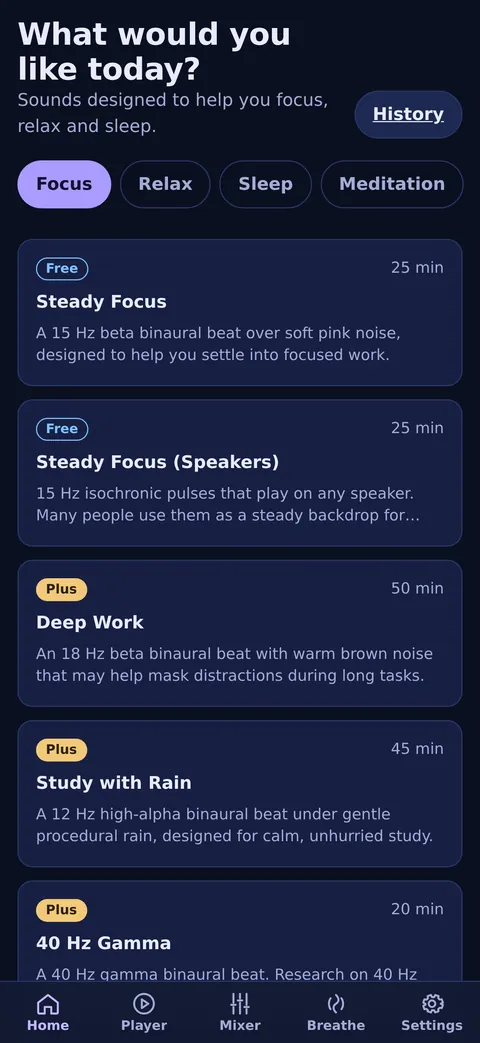
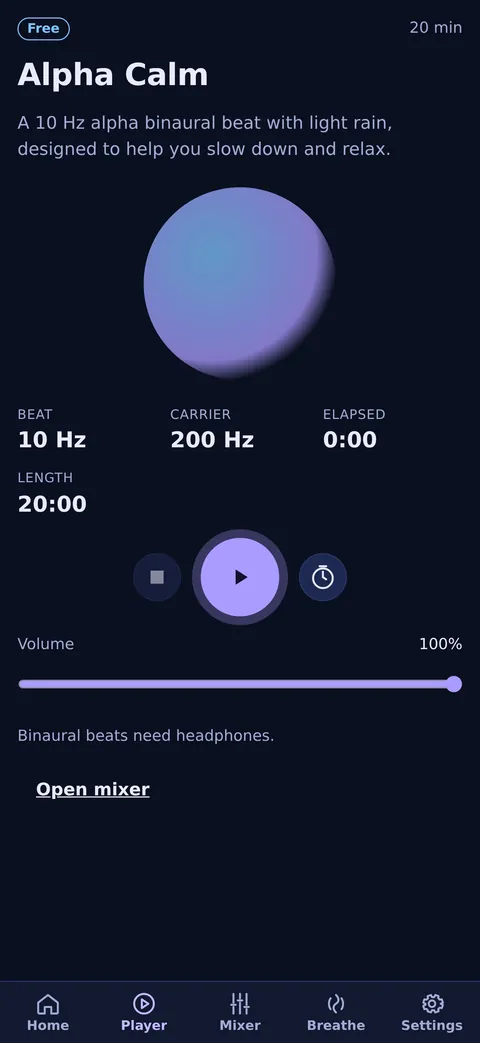
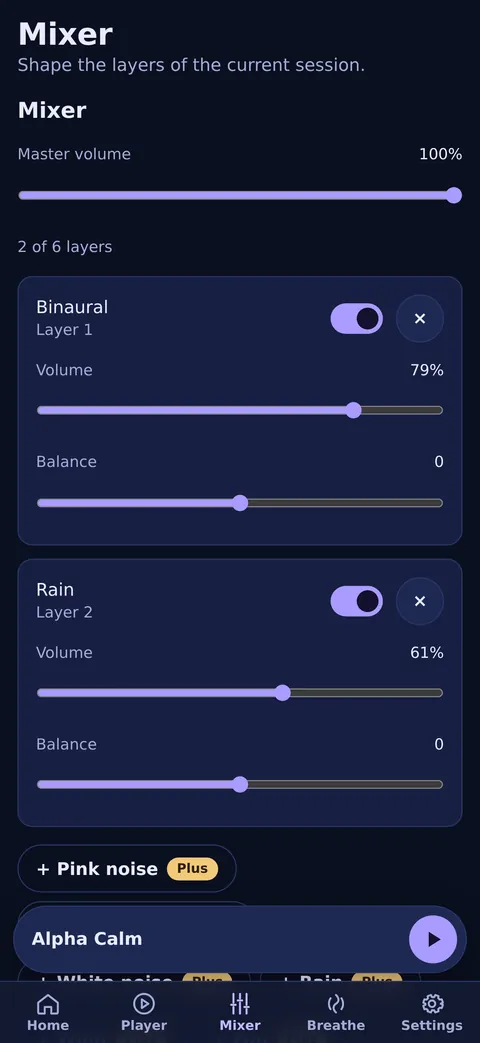
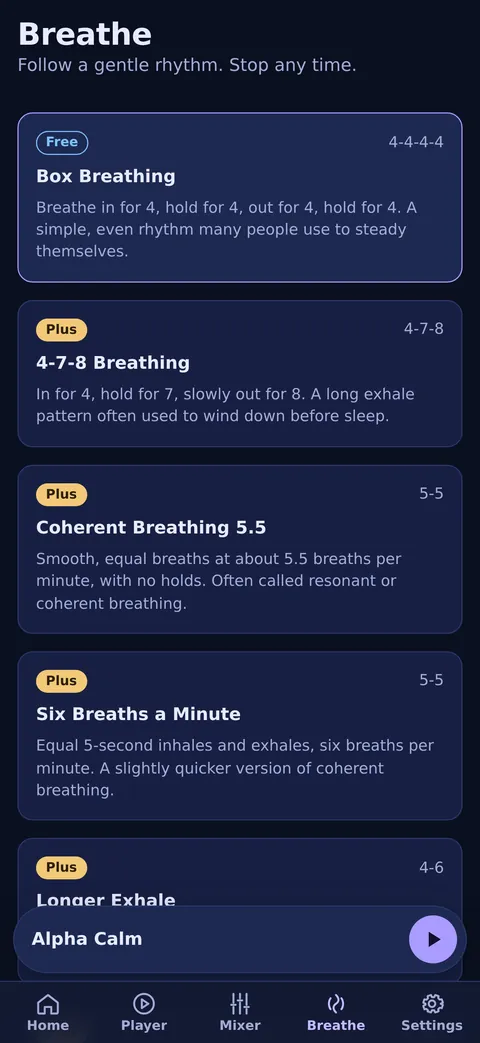
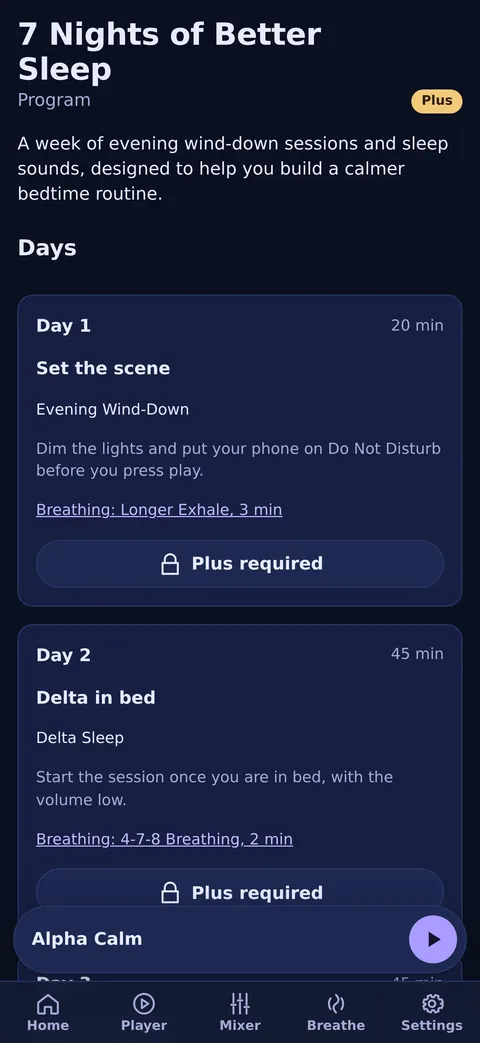
Pick a session for focus, relaxation, meditation, sleep or energy, or build your own.
Binaural beats need headphones. Isochronic tones and noise also work on speakers.
Add layers in the mixer, set a timer and listen at a comfortable volume.
Research on binaural beats has mixed results. Reviews of the studies describe effects that are small and inconsistent, and studies differ a lot in their methods, durations and frequencies. Individual experiences vary, and no particular outcome is guaranteed. AuraWaves is a listening tool, not a medical device, and it is not a substitute for professional care.
Never listen while driving or operating machinery. If you have epilepsy or a seizure disorder, seek medical advice before use. Children should listen only with adult supervision. Keep the volume moderate, take breaks and stop if you feel uncomfortable.
Use headphones for binaural beats. Never listen while driving or operating machinery. If you have epilepsy or a seizure disorder, seek medical advice before use.
Start free and upgrade to Plus when you want the full library.
$0
Monthly$4.99/month
Yearly Best value$29.99/year7-day free trial
The free trial applies to the yearly plan only. Cancel anytime in the App Store, Google Play or your AuraDoc account.
Prices in US dollars. Your store shows the price for your country, including taxes.
Yes, in the iPhone, iPad and Android apps. A session keeps playing when you lock the screen or switch to another app, and you can pause it from the lock screen or the notification controls. Playback stops when you pause it or when the sleep timer ends.
In a web browser, background playback depends on the browser and the device, so keep the tab open.
For binaural beats, yes. Each ear has to hear a slightly different tone, and that only works with headphones or earbuds. Isochronic tones and noise sounds also work through speakers. Keep the volume low and comfortable.
In the player, open Sleep timer and choose 15, 30, 45, 60 or 90 minutes, or End of session. When the time is up, the sound fades out and stops.
The free version includes timers up to 30 minutes. Longer timers come with AuraWaves Plus.
AuraWaves Plus is available as a monthly or yearly subscription. The yearly plan can start with a 7-day free trial.
You manage a subscription where you bought it: in the App Store, in Google Play, or in your AuraDoc account on the web. Sign in with your AuraDoc account and Plus unlocks on all your devices.
Sign in with the same account you used before, go to Settings > AuraWaves Plus and tap Restore purchases. In the iPhone, iPad and Android apps, this restores App Store and Google Play purchases.
On the web, Restore purchases checks the purchases made in that browser. App Store and Google Play purchases are restored in the app.
Cancel at least 24 hours before the renewal date to avoid the next charge. You keep Plus until the end of the period you paid for. Deleting the app does not cancel a subscription.
App Store: open the Settings app on your iPhone or iPad, tap your name, then Subscriptions.
Google Play: open the Play Store app, tap your profile, then Payments and subscriptions, then Subscriptions.
Web: in AuraWaves on the web, go to Settings > AuraWaves Plus and choose Manage or cancel subscription.
In the app, go to Settings > Account > Delete my account. This deletes your whole AuraDoc account and its data, and erases AuraWaves data on the device. If you own an organisation in AuraDoc, transfer or close it on the AuraDoc website first.
App Store and Google Play subscriptions are not cancelled automatically, so cancel them in your store account. You can also ask for deletion by email at suporte@auradoc.ai. See Privacy for what we store.
AuraWaves is a relaxation and wellbeing app, not a medical device. Never listen while driving or operating machinery. If you have epilepsy or a seizure disorder, seek medical advice before use. Keep the volume comfortable, take breaks and stop if you feel uncomfortable.
Read the full guidance on our Safety page.